
Your gym. Your rules.
Configure branding, locations, staff permissions, integrations, and business rules from one settings hub. Gymsly adapts to how you run your gym, not the other way around.
Everything you need for settings
Purpose-built settings tools that connect seamlessly with every other Gymsly module.
Brand customization
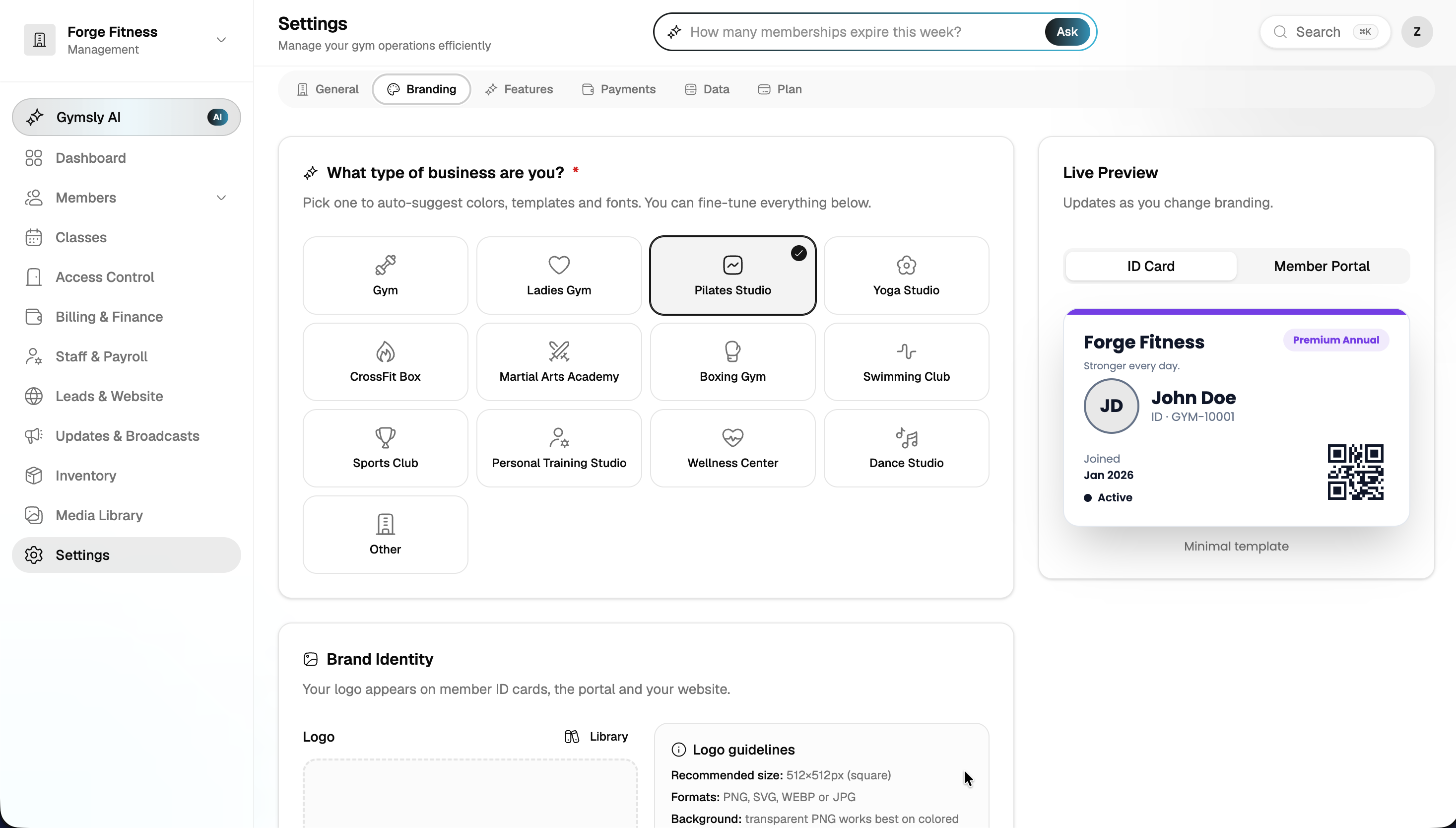
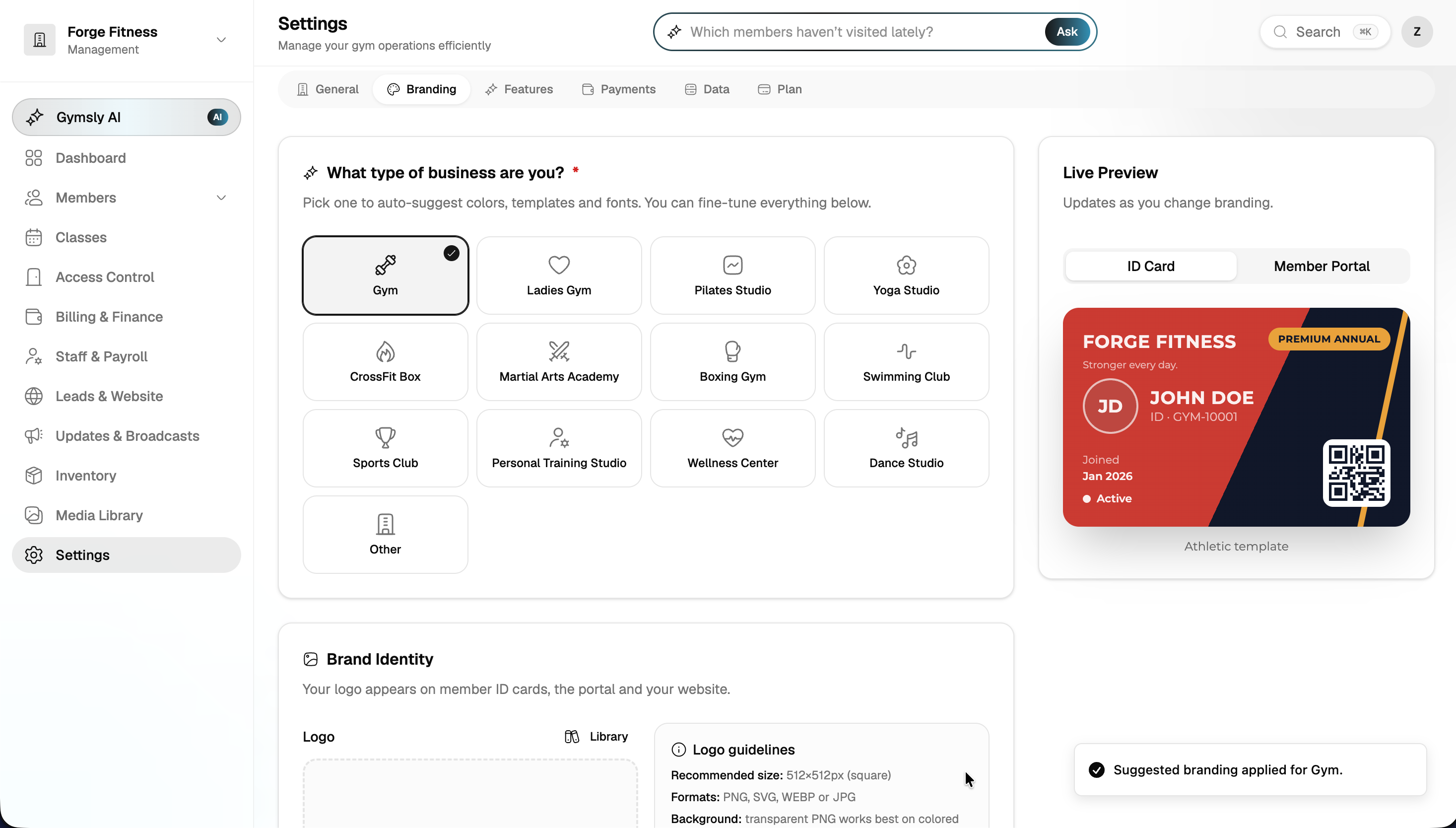
Upload your logo, set brand colors, and configure how your gym appears in the member app, portal, and website.
Multi-location management
Add locations, set per-branch settings, and control which staff access which gyms.
Role & permission controls
Define custom roles with granular permissions, control who sees billing, edits plans, or manages staff.
Integration hub
Connect payment processors, access control hardware, accounting tools, and email providers from one place.
Business rules & policies
Set cancellation windows, freeze policies, grace periods, and tax rates globally or per location.
Data export & backup
Export member data, financial records, and reports anytime. Your data is always yours.
Built for gym owners who run lean
Real outcomes from gyms using Gymsly every day.
One-time setup, ongoing control
Configure once during onboarding, then adjust as your gym evolves, new locations, plans, or staff.
Brand consistency everywhere
Members see your gym's identity across the app, portal, website, emails, and receipts.
Security you can audit
Role-based access and activity logs mean you always know who changed what.
Settings questions, answered
Common questions about Gymsly settings for fitness businesses.
Connected modules
Every Gymsly module shares data, no integrations to configure.

Run your fitness business from one dashboard
Start your 14-day free trial today. No credit card, no setup fees, then a 30-day money-back guarantee.
Cancel anytime · Your data, always exportable · 30-day money-back guarantee